Transcribed on the device
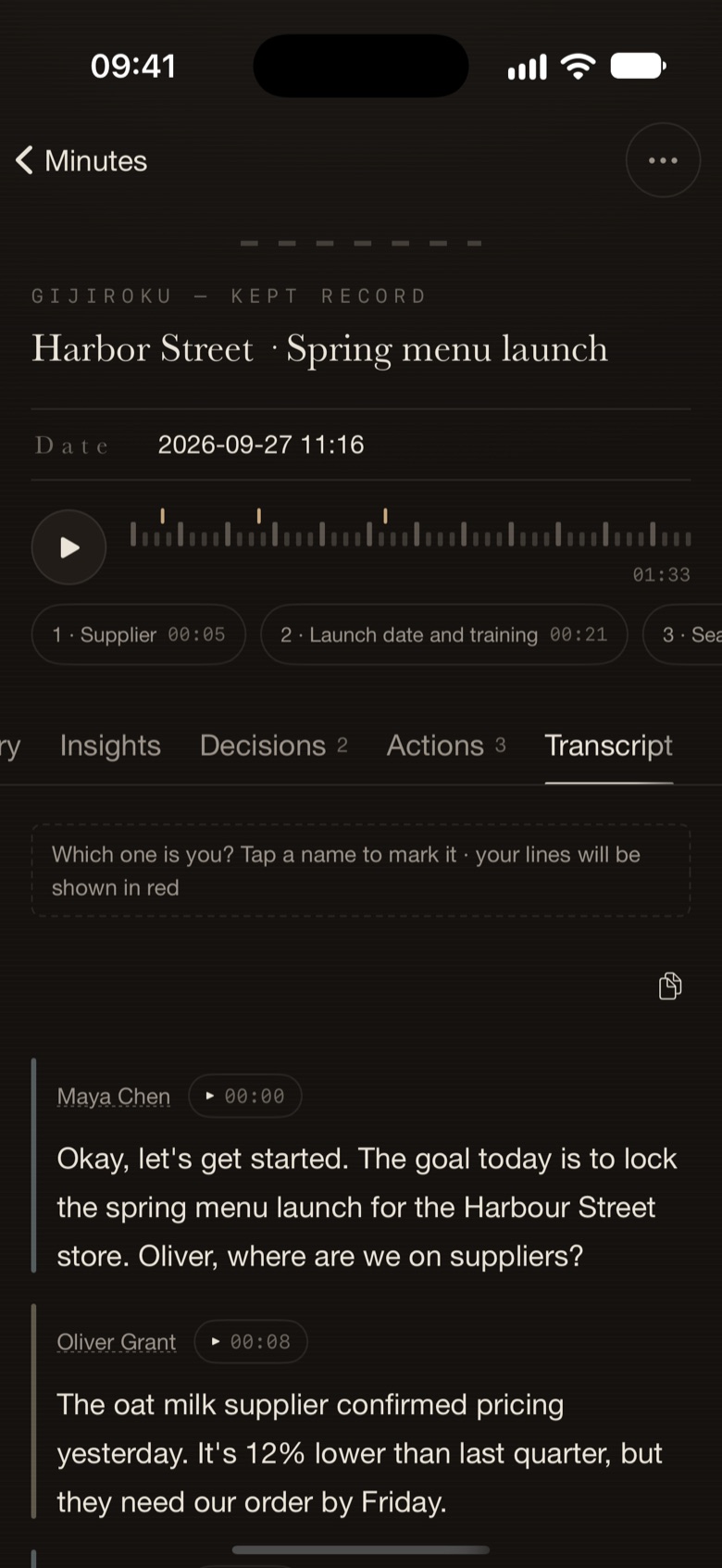
Speech becomes text on your iPhone or Mac, with speakers told apart. It works offline, and the audio never leaves the device.
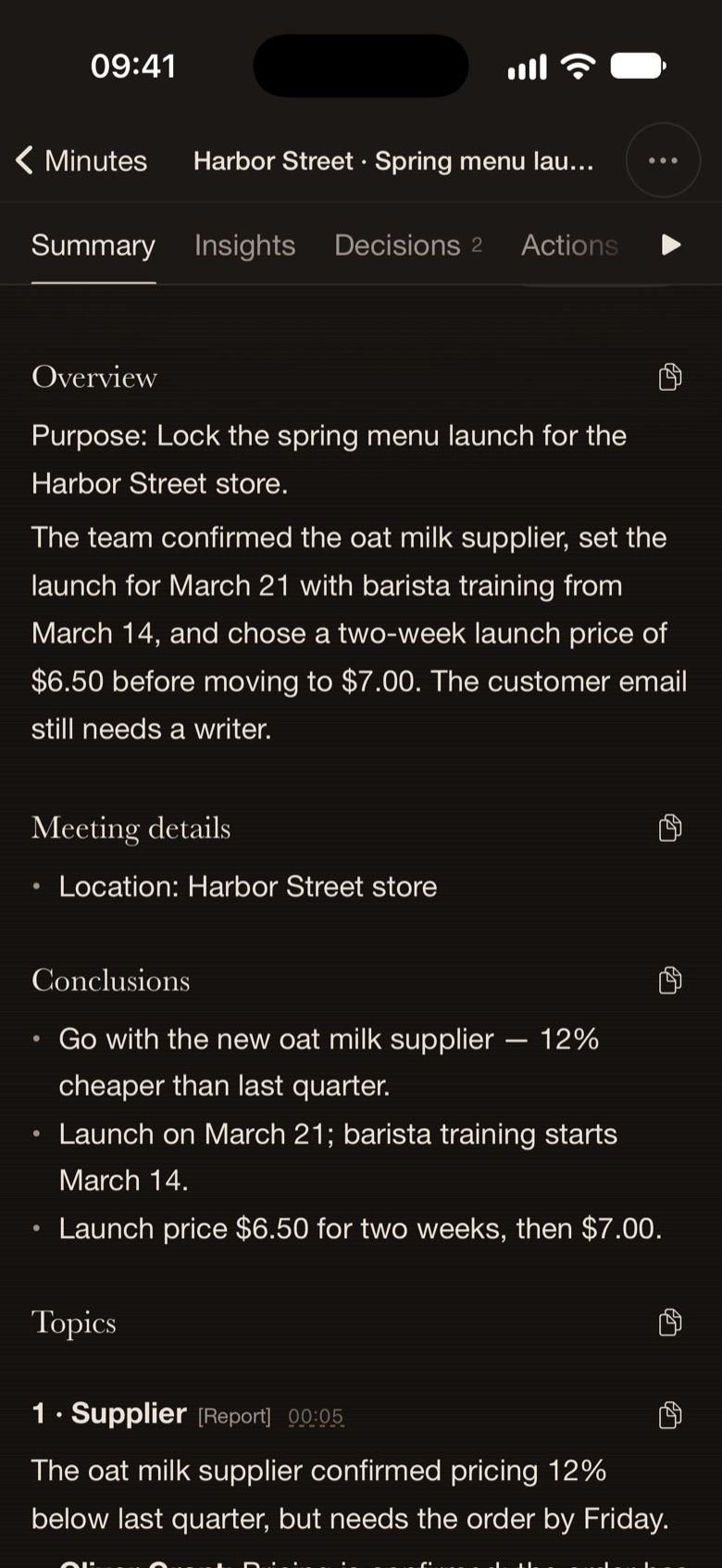
Record on your iPhone or Mac. Minutes transcribes on the device while you talk, then separates speakers after you stop — the audio never leaves it. Keep the meeting in your vault, use cloud AI for insights and summaries when you choose, and hand actions to AI.
Speech becomes text on your iPhone or Mac, with speakers told apart. It works offline, and the audio never leaves the device.
Text appears while you talk. After recording, the archive brings together the transcript, insights, decisions and actions. With insights off, the summary waits until you request it.
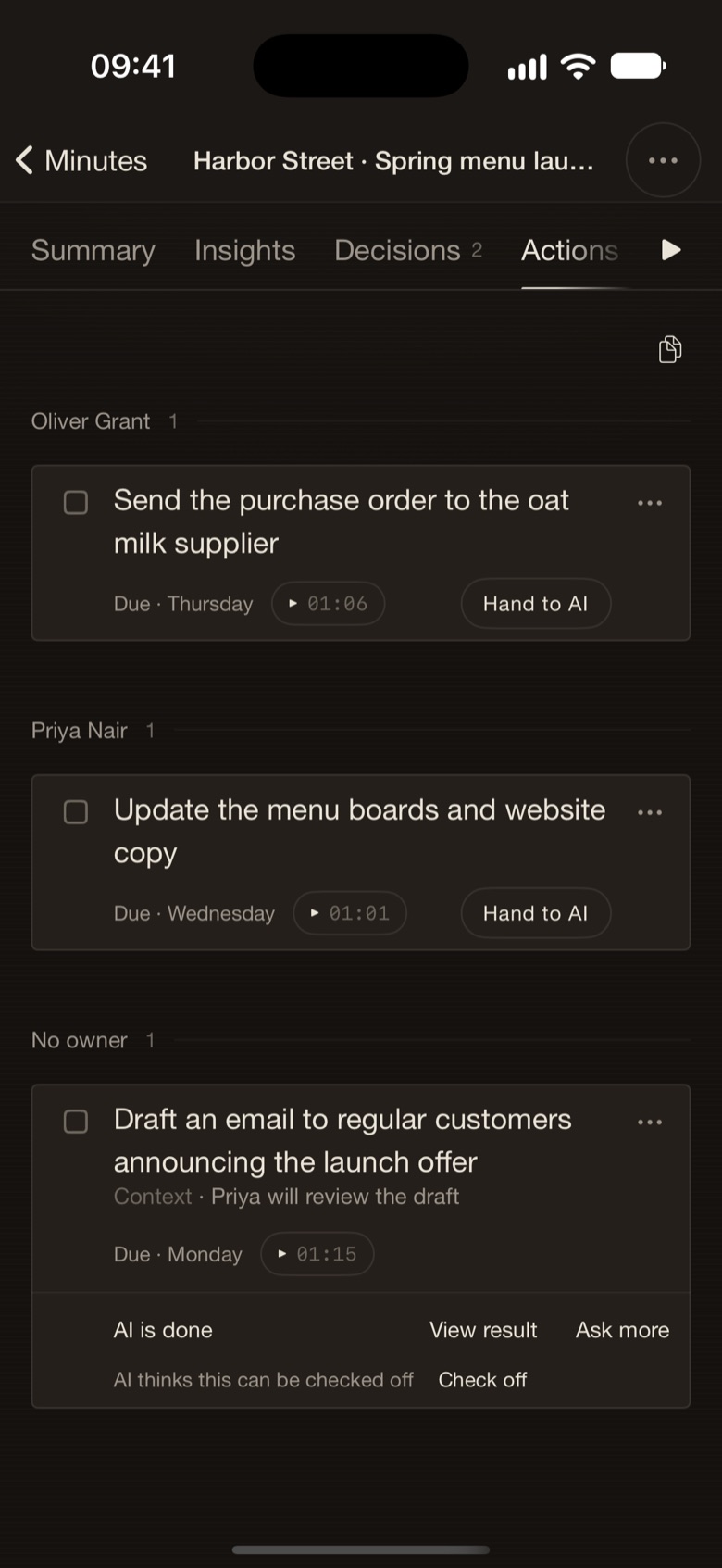
Pass an action item to AI. Follow it in Flow, on the Lock Screen and in the Dynamic Island; the result lands in your Done by AI folder.
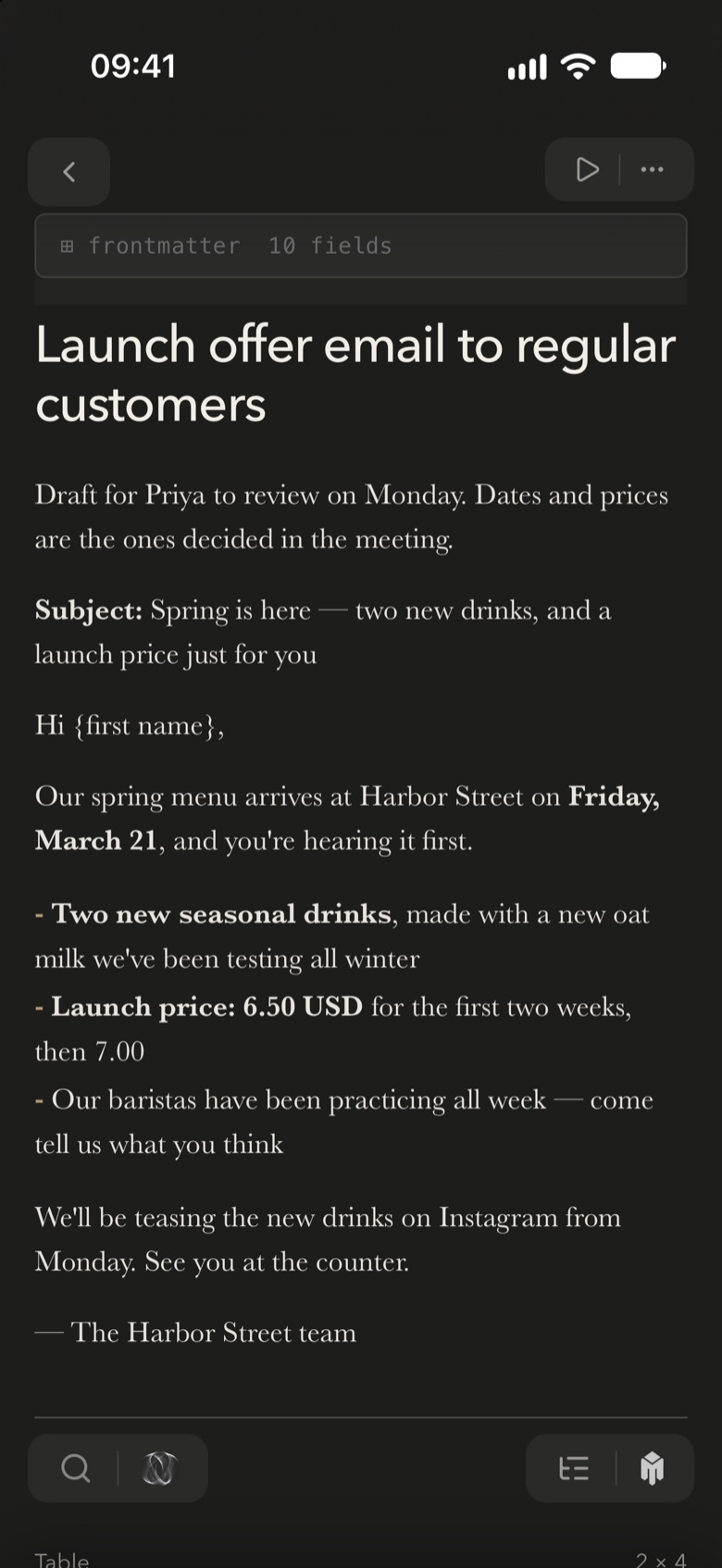
Every meeting is a Markdown file in your vault — searchable, citable, and yours to take anywhere.
Three moments from one meeting — recorded, sealed, and handed on. This illustrative meeting shows live transcription, the post-recording archive and an action handed to AI.
Sample meeting · illustrative contentSpeech becomes text on the device while you talk. Speakers are identified after recording stops. Turning insights off stops further live analysis; it does not recall text already sent.
Recording — the audio never leaves this device.
Let's walk through the launch timing again — last time we said early October.
Early October is tight. Tokyo would rather start with a small closed beta.
We'll put together the beta list and send it to you before Friday.
Should the beta ship with the Japanese interface?
Yes — Japanese is the precondition for this beta.
Tokyo starts with a small closed beta instead of a full launch in early October.
Send the beta list to the Tokyo team before Friday
Insights are off. The transcript keeps building on this device.
With insights on, transcript text goes to the cloud · the audio never leaves the device
After recording stops, speakers are separated on the device. Identify yourself or rename speakers in the archive. Five views preserve the meeting as a Markdown file in your vault.
Early October is too tight for a full launch; the beta validates the Japanese interface first.
Speaker 1 · me · Friday
Speaker 3
Let's walk through the launch timing again — last time we said early October.
Early October is tight. Tokyo would rather start with a small closed beta.
We'll put together the beta list and send it to you before Friday.
Should the beta ship with the Japanese interface?
Yes — Japanese is the precondition for this beta.
Saved to your vault · Markdown
Hand an action item to AI. It runs as a real conversation you can open and continue, shows its progress where you would look for it, and files the result next to the rest of your work.
Speaker 3 · from “Tokyo beta timing”
A Flow card appears the moment you tap it · Working · step 3/7
from “Tokyo beta timing” — on the Lock Screen and in the Dynamic Island
Draft a test checklist for the Japanese interface
Saved in Done by AI / 2026-09 · open it from the action item with “View result”
On iPhone, progress shows on the Lock Screen and in the Dynamic Island, and a notification arrives when it is done. On Mac, follow it in Flow.
No. Transcription and speaker separation run on the device; audio is never uploaded. With insights on, transcript text is sent to cloud AI. Turning insights off stops further live analysis, but does not recall text already sent. Generating a summary sends the full transcript to cloud AI; with insights off, it waits until you request it manually.
Transcription does. Insights and the summary use cloud AI, so they need a connection.
An on-device model: about 680 MB on iPhone and up to 1.7 GB on Mac. You can start recording before it finishes downloading; the text fills in once it is ready.
Minutes picks the recording back up when the interruption ends. If iPhone will not let it restart in the background, you get one notification — tap it and recording continues.
Mac and iPhone today. Windows support is on the way.
Transcription follows the on-device model; summaries and insights follow your selected output language.
A durable record, sealed into the same vault as the work it informs.
