The library
A waterfall of every visual asset in your vault; a quick viewer summonable from the file tree, search, or chat.
Browse every image and video in your vault. Generate new ones with AI. Everything lands back home — with its full history attached.
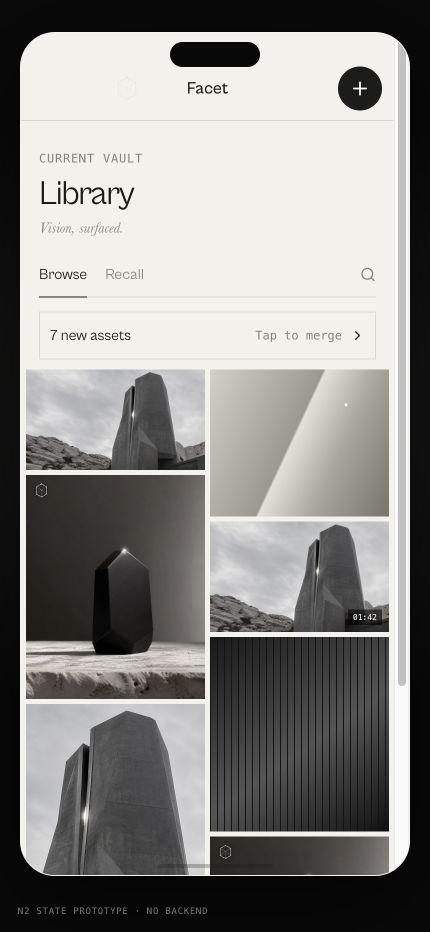
A waterfall of every visual asset in your vault; a quick viewer summonable from the file tree, search, or chat.
Zero-reference or single-reference AI image generation. Every derived asset records what made it, lands in the vault, returns to the library, and survives restarts.
Images live beside the notes that reference them — searchable across modalities and recallable with locators.
Images and videos stored in your vault, including generated assets that have been persisted successfully.
No. Derived assets land as new files and retain their provenance.
Yes. Locators take you back to the persisted asset in the vault.
A visual library that lives beside the thinking it serves.
