Mono for Mac
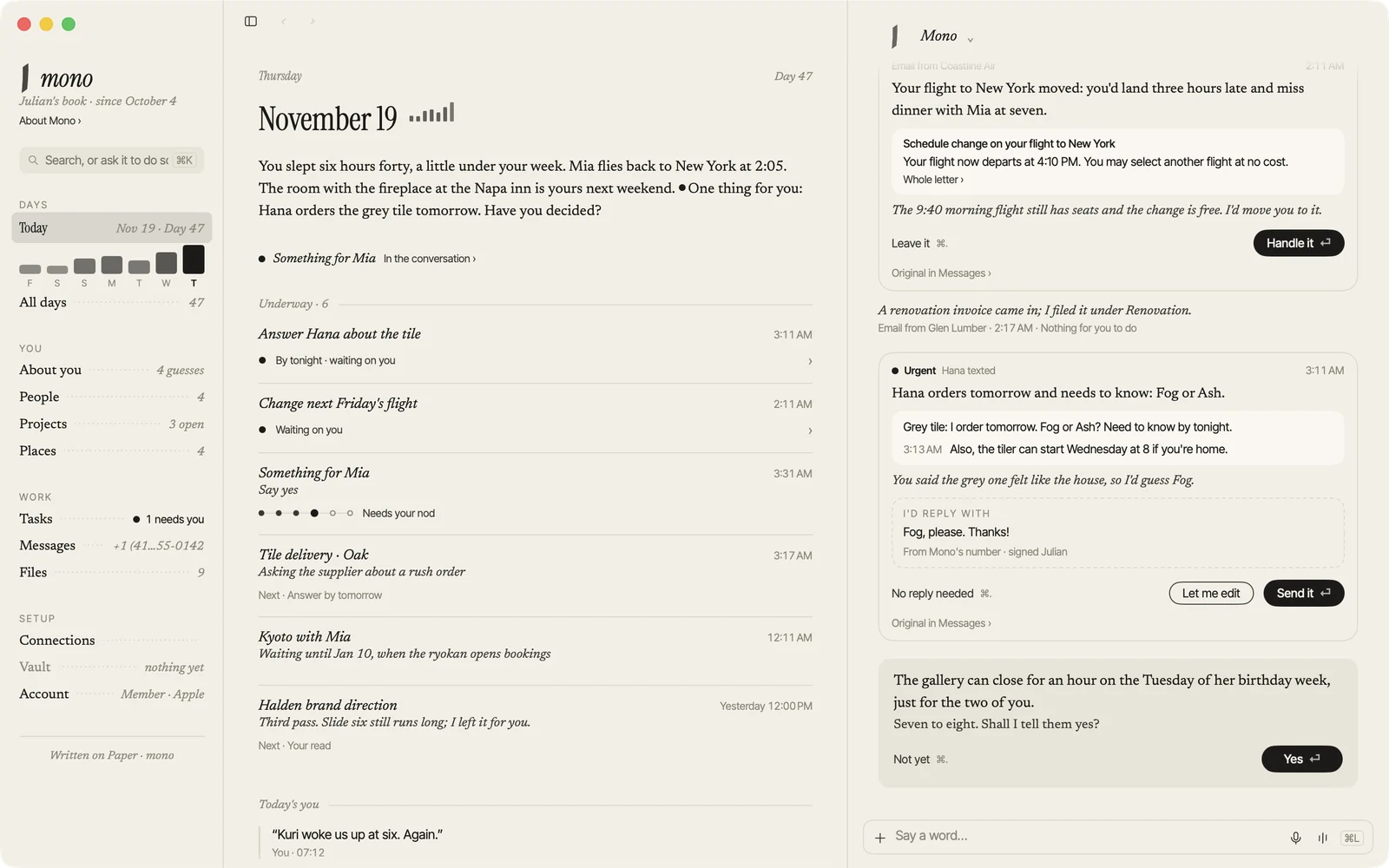
The same Mono as your iPhone, plus a pair of hands on your Mac. With your permission, it can use your apps and files.
Download for MacNeeds macOS 15 or later. Works on Mac with Apple silicon or Intel.
Getting started
- Open the downloaded file and drag Mono to Applications.
- Sign in with the same Apple or Google account you use on iPhone. A membership bought on iPhone works here too.
- The first time it needs your Mac, it asks for Accessibility and Screen Recording. After allowing Screen Recording, reopen Mono.
Good to know
- It asks before running a command or using an app for the first time.
- You can always see when it’s using your Mac. One shortcut stops it.
- Mono isn’t on the Mac App Store. It updates itself, with updates signed and notarized by us.